
Download SmallUtils 2.0 – text to mp3, web screenshot, image converter, currency converter, meme generator, qr code generator, utility tool, productivity app, smallutils 2.0
Overview
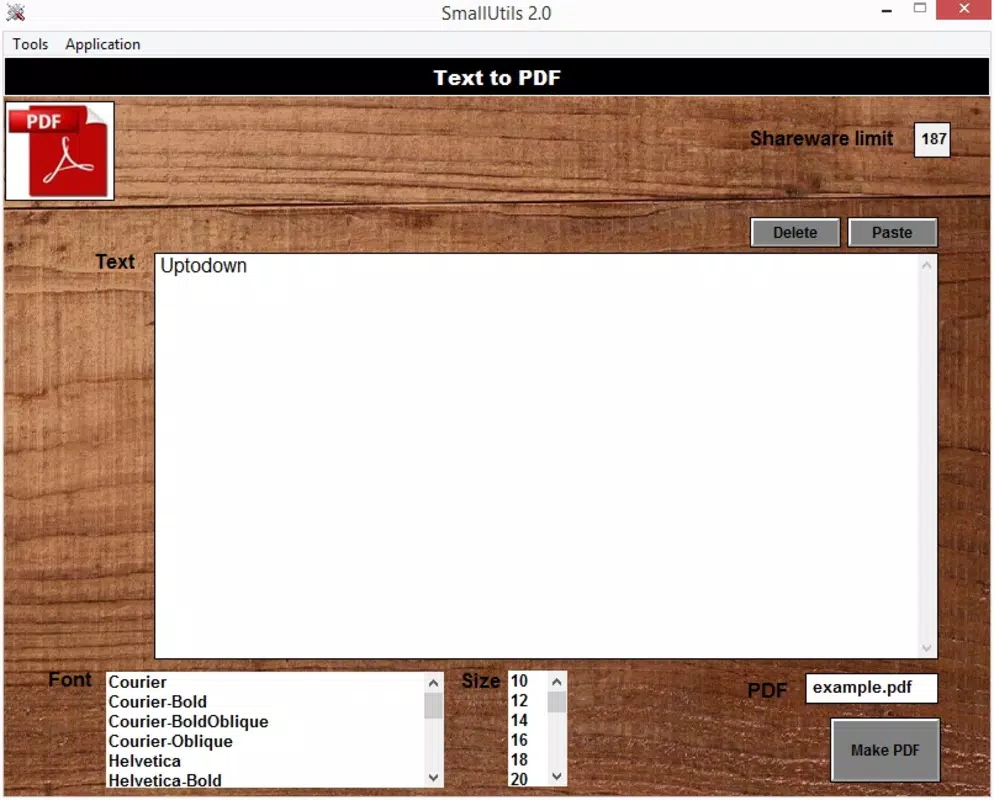
SmallUtils 2.0 is a compact yet powerful productivity mobile application designed to streamline everyday digital tasks through a unified interface. Developed by SmallApps, the app consolidates nine essential utilities into a single, lightweight package, eliminating the need to switch between multiple tools. Its primary purpose is to enhance user efficiency by offering quick access to functions such as text-to-speech conversion, web screenshot capture, image format transformation, currency conversion, and content creation via meme and QR code generation. The app serves a broad audience, including students, professionals, content creators, and casual users who require fast, reliable tools for daily digital workflows.
Real-world use cases include converting lecture notes into audio files for on-the-go review, capturing web content for presentations, sharing business cards via QR codes, or generating memes for social media. By integrating these functions into one application, SmallUtils 2.0 reduces app clutter and simplifies access to frequently used utilities. The app’s lightweight design—only 3.2 MB in size—makes it suitable for devices with limited storage. Although the developer did not provide additional technical details, its continued availability since 2014 suggests a stable and enduring utility in the mobile productivity ecosystem.
Key Features & Functionality
- Text-to-MP3 Conversion: Convert written text into audio files in multiple languages, including English, Spanish, French, Italian, and Portuguese. Ideal for users who need to listen to short notes or messages without reading.
- Web Screenshot Tool: Capture and save screenshots of any website by entering its URL. The output is saved as a PNG file, allowing users to rename and organize the image easily.
- Image Format Conversion: Seamlessly convert images between common formats such as GIF, JPG, TIFF, PNG, and BMP. Users select the source file and choose the desired output format, with the app handling the rest.
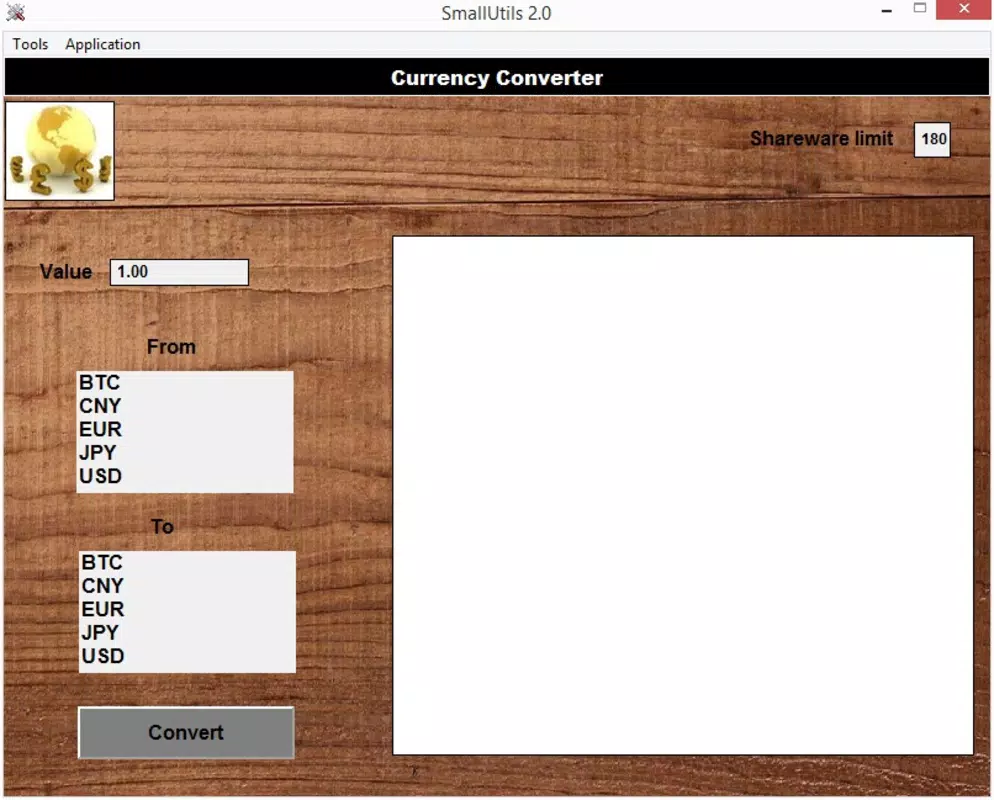
- Currency Converter: Access real-time exchange rates for major global currencies, supporting financial planning, travel preparation, and international communication.
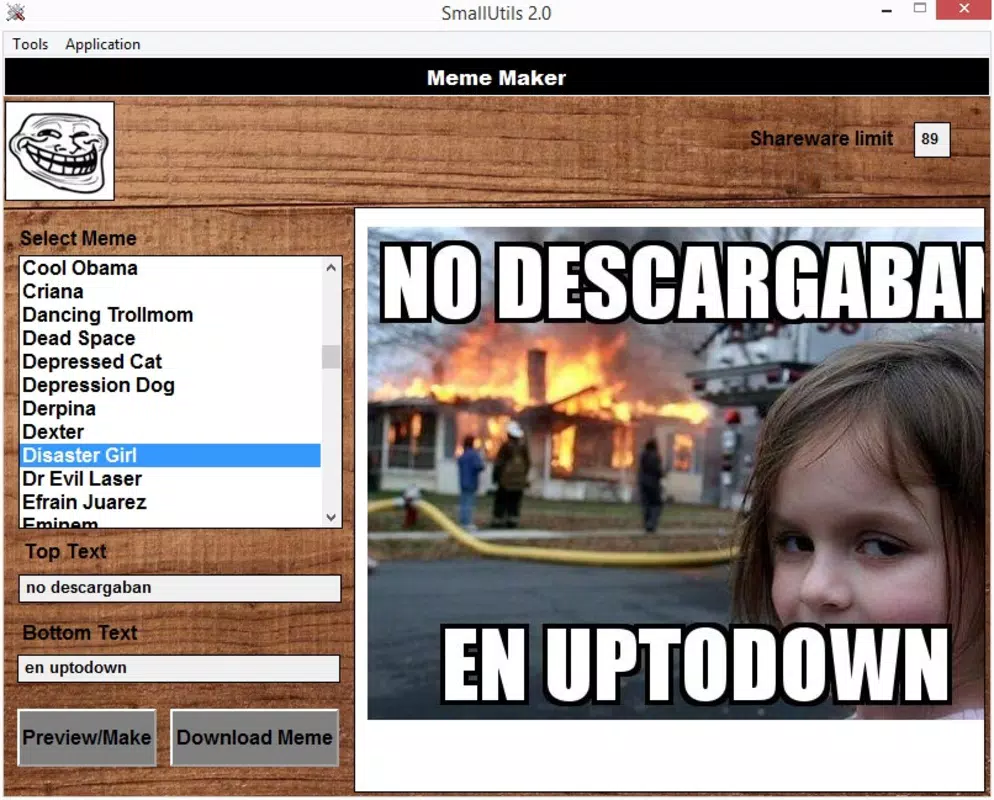
- Meme Generator: Create custom memes using over 100 templates. Add personalized text to generate shareable content for social platforms.
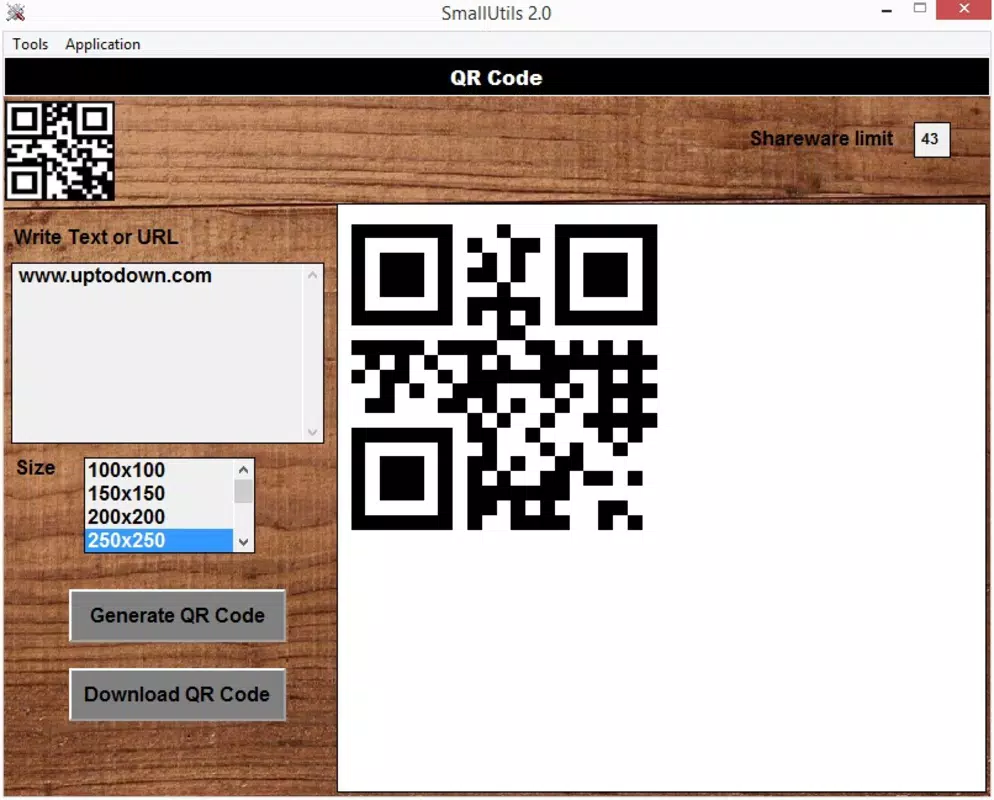
- QR Code Generator: Generate QR codes from any text input, useful for sharing links, contact details, or promotional content.
- Lightweight Design: Despite its range of features, the app maintains a minimal footprint of 3.2 MB, ensuring fast installation and minimal storage impact.
- Intuitive Interface: All tools are accessible via a clean, straightforward menu, allowing users to switch between functions without confusion.
- Free Access: The app is available at no cost, making it accessible to a wide range of users across different economic backgrounds.
These features are particularly useful in scenarios such as preparing study materials, organizing digital assets, or creating marketing content. For example, a student could convert a summary into audio, while a small business owner might generate QR codes for product labels. The app’s functionality is practical, focused, and directly addresses common user needs without unnecessary complexity.
Interface, UX & Performance
The user interface of SmallUtils 2.0 is designed with simplicity and clarity in mind. Each tool is represented by a clear icon and labeled text, enabling quick identification and access. Navigation is linear and consistent across all functions, reducing the learning curve for new users. The layout adapts to various screen sizes, ensuring readability and usability on both smaller and larger Android devices.
Although the developer did not list formal performance metrics, the app’s lightweight nature suggests efficient memory usage and minimal battery drain. Users can expect responsive interactions, with most operations completing within seconds. Stability appears to be a strength, given the app’s long-standing presence since 2014. The interface remains functional without crashes or lag, even when switching between multiple tools in succession.
For users with older Android devices, the app’s small file size and minimal resource demands make it a viable option. However, specific requirements such as minimum OS version or hardware compatibility were not disclosed. Overall, the UX prioritizes speed, ease of use, and reliability—key factors for a utility tool designed to deliver immediate value.
Platform Compatibility & Technical Requirements
SmallUtils 2.0 is available exclusively on the Android platform. The app’s current version is 2.0, with a file size of 3.2 MB, making it highly accessible for users with limited storage space. The developer did not specify minimum OS requirements, so compatibility with older Android versions cannot be confirmed. Users should ensure their device supports the Android operating system and has sufficient permissions to access the internet and local storage.
Given the app’s age and consistent release history, it likely functions on a wide range of Android devices, including entry-level models. However, without official documentation on supported versions, users are advised to test the app on their specific device. The app’s reliance on online services for features like currency conversion and text-to-speech suggests a stable internet connection is required for full functionality.
Pros and Cons
Pros
- Combines nine useful tools in a single lightweight app
- Free to download and use with no in-app purchases
- Simple, intuitive interface suitable for all user levels
- Supports multiple languages for text-to-speech conversion
- Efficient performance with minimal storage and battery usage
- Offers real-time currency conversion and web screenshot capture
- Generates shareable QR codes and customizable memes
Cons
- Developer did not disclose minimum OS or hardware requirements
- No information on update frequency or long-term maintenance
- Text input limited to 100 characters for MP3 conversion
- Platform availability restricted to Android only
- Interface lacks advanced customization options
- No built-in cloud sync or backup functionality
FAQ
Is SmallUtils 2.0 safe to download and install?
Yes, the app is free and available through official Android channels. As it does not require sensitive permissions and operates within standard app security protocols, it is considered safe for general use.
Can I use SmallUtils 2.0 on older Android devices?
The app’s small size suggests compatibility with older devices, but the developer did not specify minimum OS requirements. Users are advised to test the app on their specific device.
Does SmallUtils 2.0 require an internet connection?
Yes, certain features such as currency conversion, web screenshot capture, and text-to-MP3 generation require an active internet connection.
How often is SmallUtils 2.0 updated?
The developer did not provide information on update frequency. The app has remained available since 2014, indicating ongoing support, but no official release schedule is published.
Can I use SmallUtils 2.0 offline?
Only basic functions like image format conversion may work offline. Features requiring online data, such as currency rates or web screenshots, require an internet connection.
Final Thoughts
SmallUtils 2.0 stands out as a practical, no-frills utility tool that delivers significant value in a compact form. Its diverse range of features—spanning text-to-speech, image conversion, web capture, and content creation—makes it a versatile companion for users seeking efficiency. The app’s free model, lightweight design, and straightforward interface further enhance its appeal, especially for those who prefer minimalism and functionality over flashy features.
While it lacks advanced customization and detailed technical disclosures, its core purpose is fulfilled with precision. Students, freelancers, and digital creators can leverage its tools to simplify daily tasks without investing in multiple apps. For anyone looking for a reliable, secure, and easy-to-use productivity app on Android, SmallUtils 2.0 remains a strong choice.
Download SmallUtils 2.0 now


